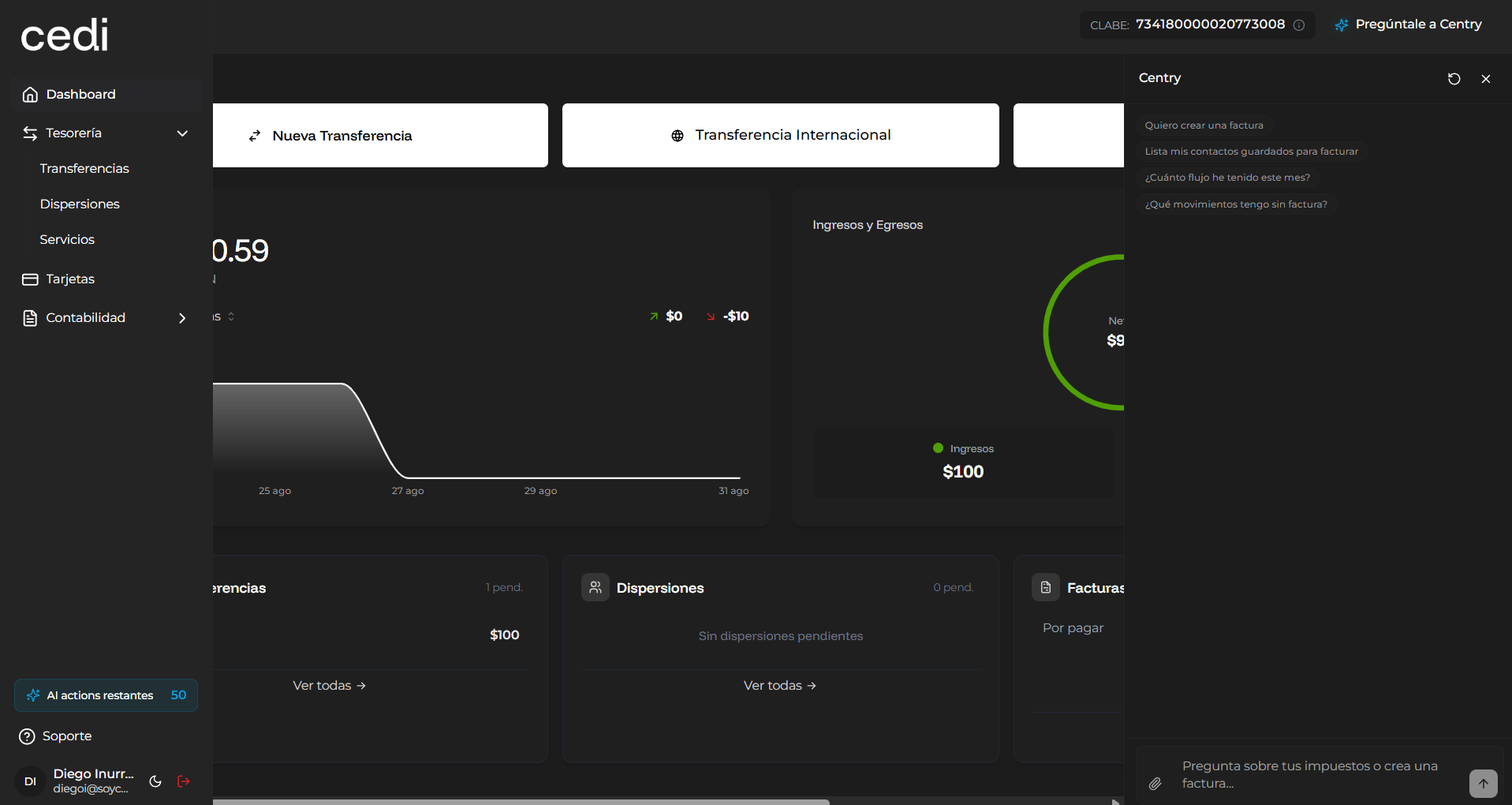
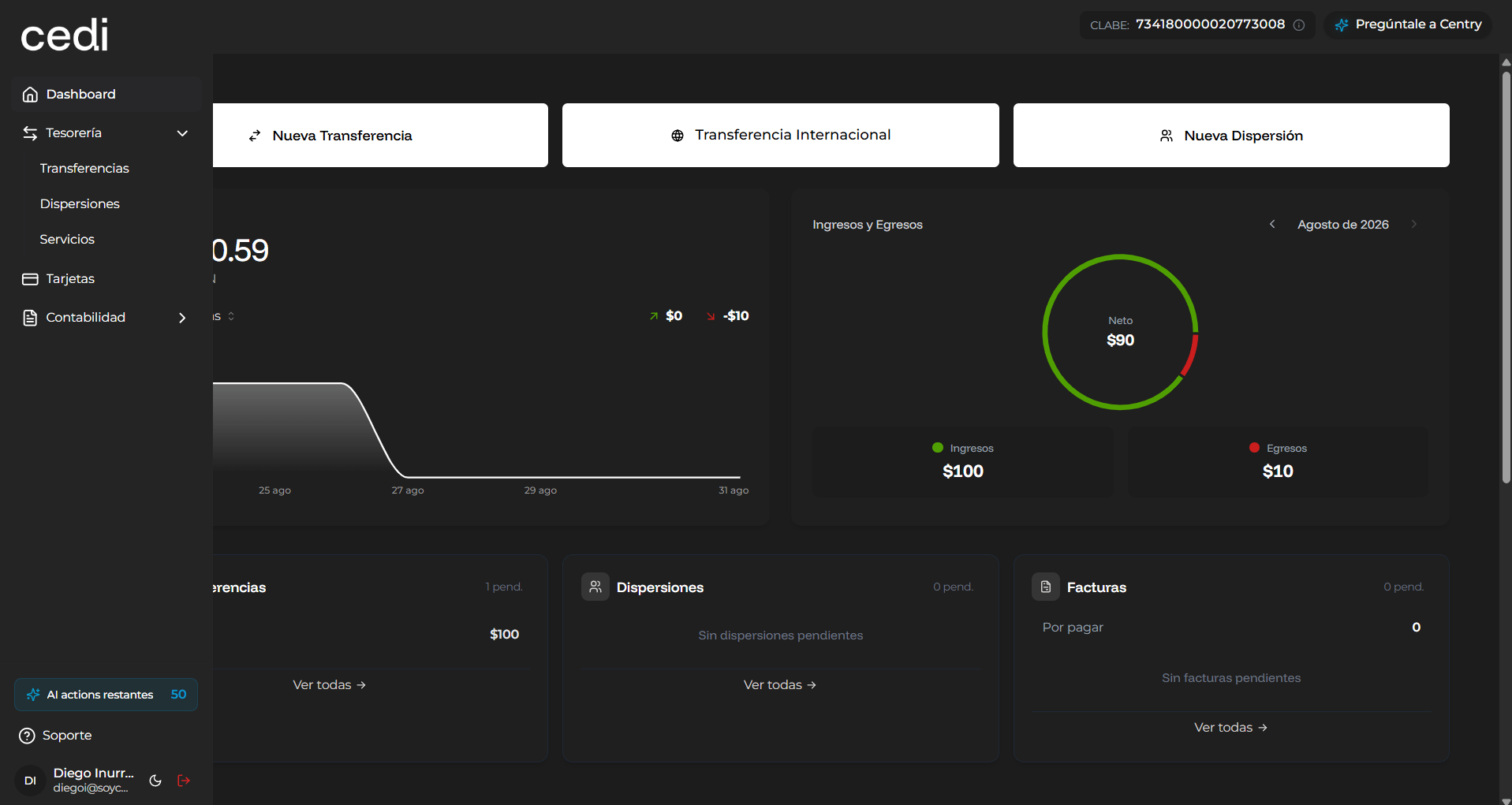
Financial Agent Features
The financial agent allows you to make queries related to the system’s financial information. Among the queries you can make are:- Checking monthly financial cash flow
- Reviewing payments made to vendors
- Obtaining a summary of income and expenses
- Identifying pending transactions
- Resolving questions related to your financial information
- Upload files in Excel or CSV format
- Request analysis or interpretation of the information
- Send instructions through the text field
Using the Financial Agent for Information Analysis
The financial agent can use the files uploaded by you to generate automated analyses and answer questions related to:- Financial statements
- Accounting transactions
- Payments and collections
- Financial trends
- Tax or administrative information