> ## Documentation Index
> Fetch the complete documentation index at: https://docs.soycedi.com/llms.txt
> Use this file to discover all available pages before exploring further.
# Financial Agent
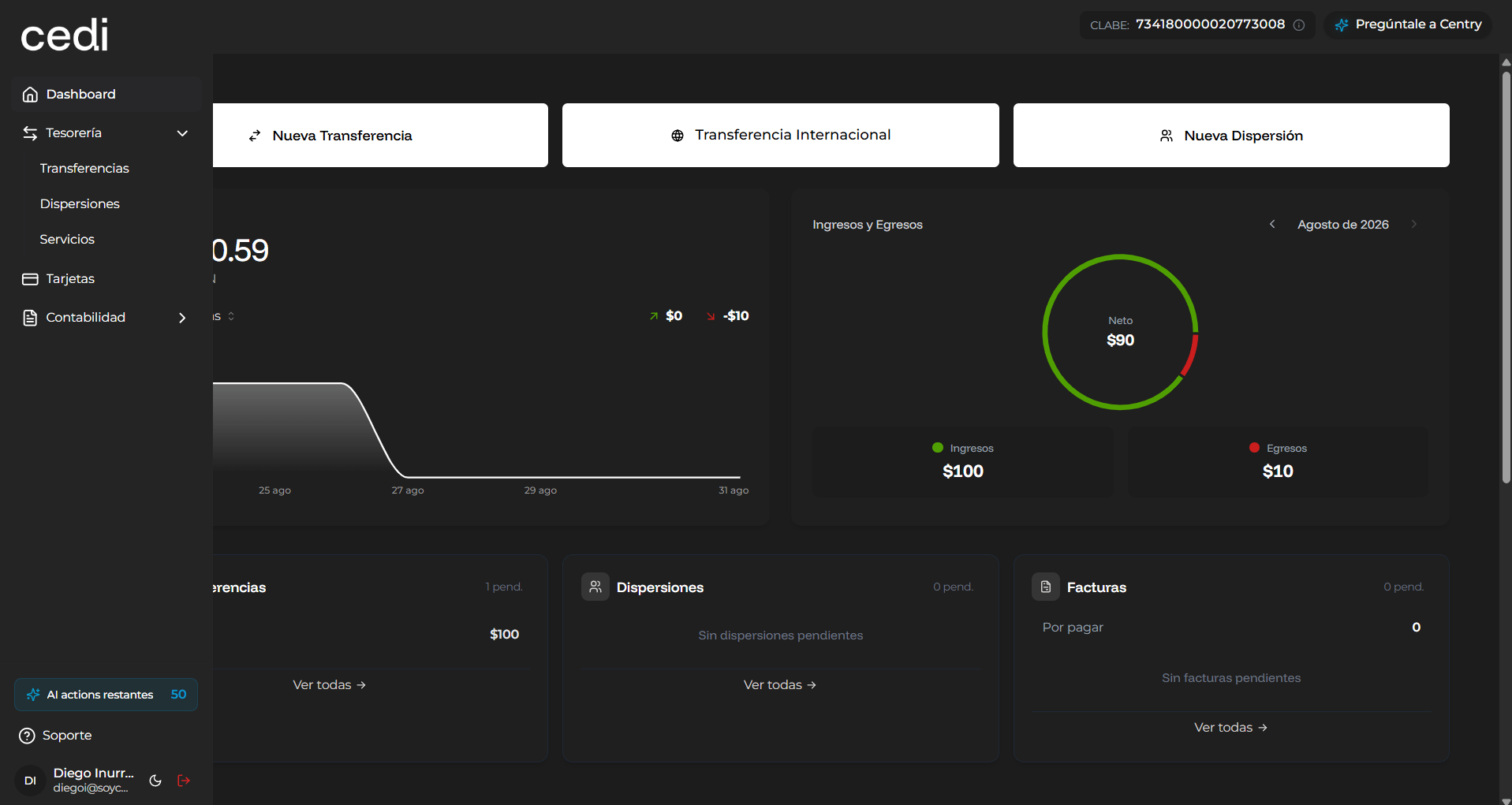
In the top right corner, the system displays an access button to the **AI-powered financial agent**, which allows obtaining automated assistance regarding financial information.
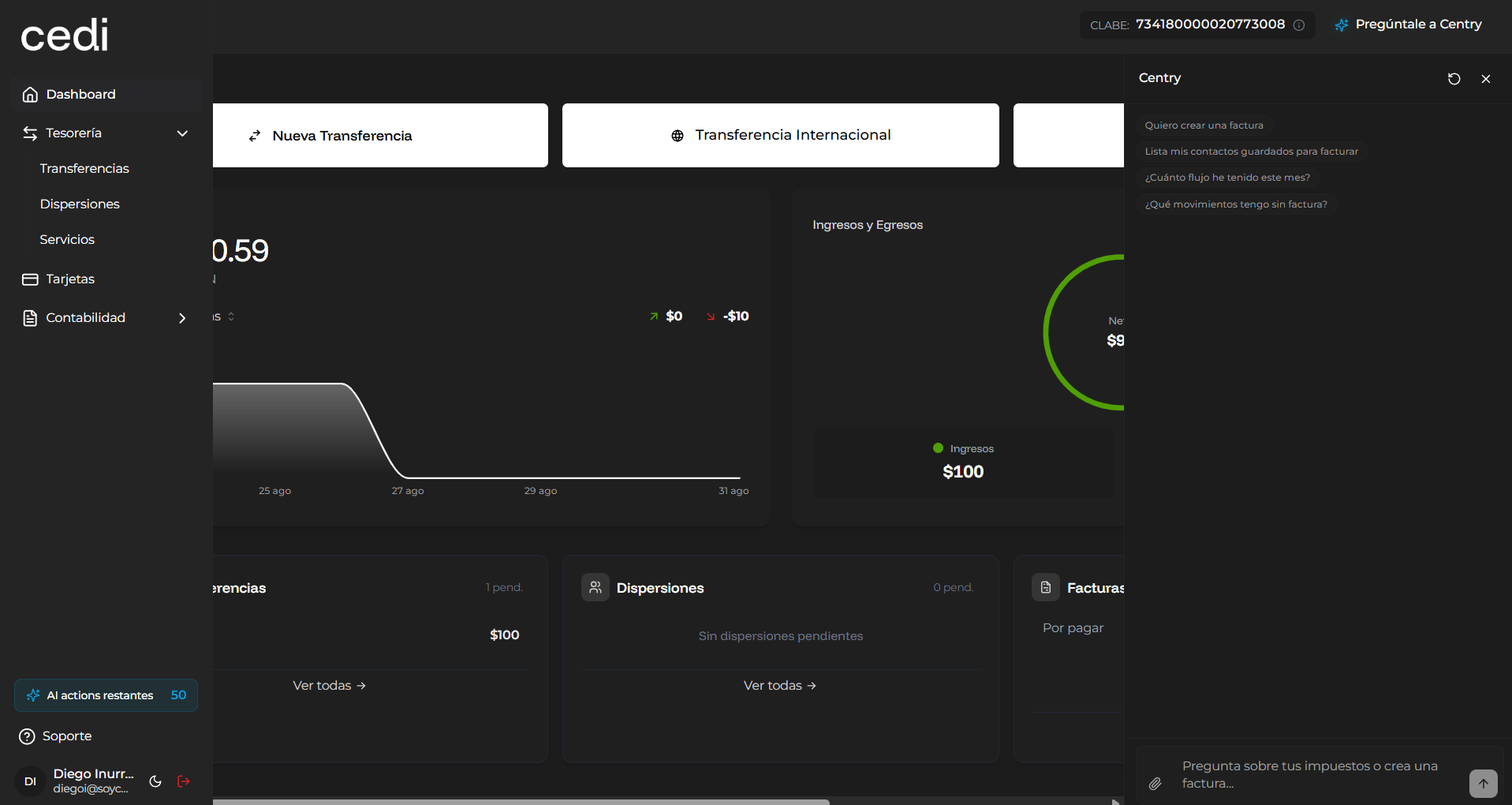
Upon selecting this button, a chat window opens where you can interact with the virtual assistant.
##  ### Financial Agent Features
The financial agent allows you to make queries related to the system's financial information.
Among the queries you can make are:
* Checking monthly financial cash flow
* Reviewing payments made to vendors
* Obtaining a summary of income and expenses
* Identifying pending transactions
* Resolving questions related to your financial information
Additionally, the system allows attaching files for financial analysis.
You can:
* Upload files in **Excel** or **CSV** format
* Request analysis or interpretation of the information
* Send instructions through the text field
To send a query, you must write your request in the corresponding field and select the submit button.
***
### Using the Financial Agent for Information Analysis
The financial agent can use the files uploaded by you to generate automated analyses and answer questions related to:
* Financial statements
* Accounting transactions
* Payments and collections
* Financial trends
* Tax or administrative information
This functionality streamlines information analysis and facilitates financial decision-making within the system.
##
### Financial Agent Features
The financial agent allows you to make queries related to the system's financial information.
Among the queries you can make are:
* Checking monthly financial cash flow
* Reviewing payments made to vendors
* Obtaining a summary of income and expenses
* Identifying pending transactions
* Resolving questions related to your financial information
Additionally, the system allows attaching files for financial analysis.
You can:
* Upload files in **Excel** or **CSV** format
* Request analysis or interpretation of the information
* Send instructions through the text field
To send a query, you must write your request in the corresponding field and select the submit button.
***
### Using the Financial Agent for Information Analysis
The financial agent can use the files uploaded by you to generate automated analyses and answer questions related to:
* Financial statements
* Accounting transactions
* Payments and collections
* Financial trends
* Tax or administrative information
This functionality streamlines information analysis and facilitates financial decision-making within the system.
##  This documentation is built and hosted on [Mintlify](https://mintlify.com), a developer documentation platform.